Reviews and feedback
Hear from guests while the visit is still fresh.
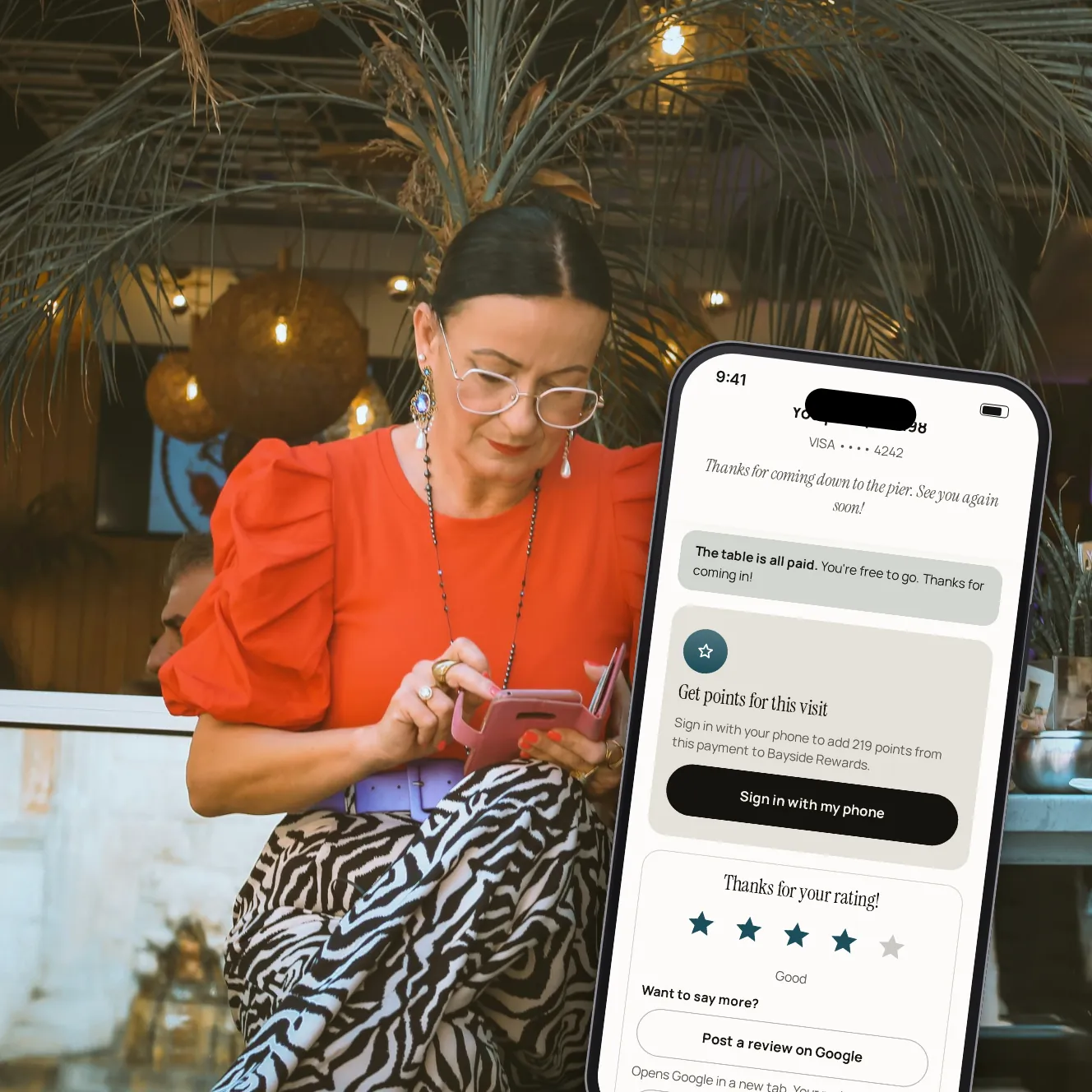
Right after paying, guests rate their visit in a tap. Every rating reaches you, low scores included. We ask happy guests to share a review on Google, and any guest can send you private feedback.
- 100%
- of ratings shown to you
- 4
- topics: food, service, atmosphere and value
- 1 tap
- to rate, right after paying
Feedback you can act on.
A rating from tables that pay
The question comes right after the payment, while the visit is fresh: one tap, five stars.
Every score kept
Every rating is stored and shown in your dashboard, whatever the score. Nothing is filtered out.
Reviews on Google
We ask happy guests to share a review on Google, with a link straight to your Google page.
Private feedback, by topic
Guests can tell you more in private, about the food and drinks, the service, the atmosphere or the value, with a comment.
Follow up with unhappy guests
A rating of 3 stars or less opens a follow-up case. Assign it, note what you did, and reply when the guest agreed to be contacted.
Your team hears it too
New ratings and feedback reach the table's server in the staff app, and each server's rating shows in staff performance.
From the last bite to your dashboard.

Step 1 of 5
Rate the visit
Once the payment is done, one question: how was your visit?

Step 2 of 5
Say more, or share it
Happy guests can share a review on Google. Anyone can send private feedback.

Step 3 of 5
Private feedback
Topics to pick, a comment, and the choice to be contacted by a manager.

Step 4 of 5
Every rating in one place
The average, ratings by stars and by topic, and every comment.

Step 5 of 5
Reply by email
Answer a guest who left an email, starting from a suggested reply if you like.
Everything that comes with a rating.
Ratings by topic
Food, service, atmosphere and value, each with its own average.
Suggested replies
A draft from a template that fits the rating, to read and edit before sending.
Filters
By period, stars, replied or not, and only the ones with a comment.
Ratings per server
Staff performance shows each server's average rating beside their tables and tips.
Messages without a rating
Feedback a guest sends without rating is kept too.
Contact only with consent
A manager can reach a guest only when the guest ticked the box to be contacted.
Your questions
Do you hide low ratings?
No. Every rating is stored and shown to you, whatever the score.
Which guests are asked to review on Google?
Guests who rate their visit highly are asked if they'd like to share a review on Google. It opens Google in a new tab, and what they write is up to them. Every guest can send you private feedback.
Do guests need an account to rate?
No. Rating takes one tap on the page they paid on.
Who sees private feedback?
Only your restaurant. It's never posted anywhere.
Can I reply to a guest?
Yes, by email, when the guest left an email address.
Book a demo
Let's set it up for your restaurant.
Tell us about your restaurant and we'll walk you through Paytabl on a live demo bill: the guest's phone, the staff app and the dashboard, with your POS in mind.