Group pre-orders
The party of twelve, already ordered and paid.
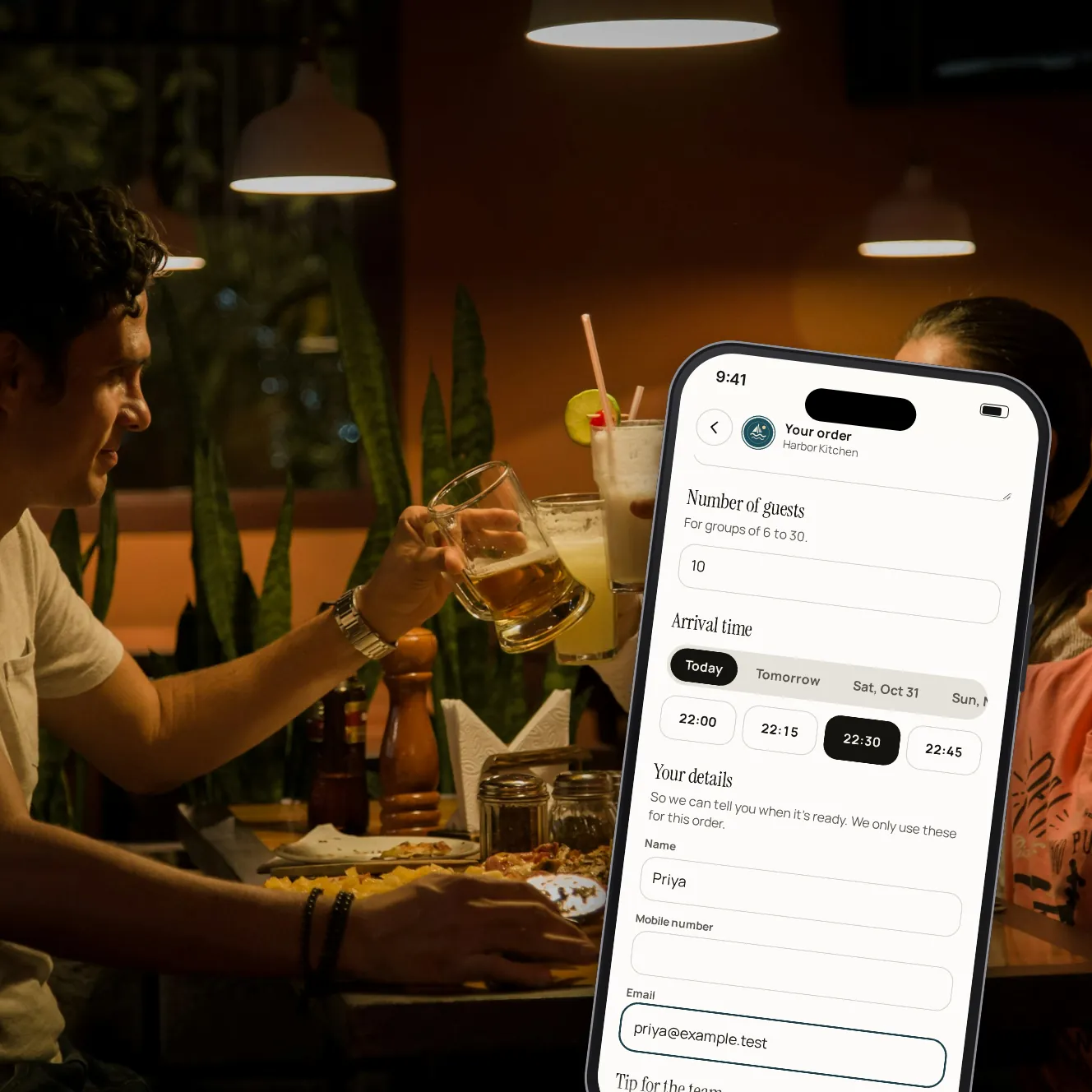
Send groups one link. They choose when they'll arrive, order for the whole table and pay ahead. The order goes to your POS a set time before they walk in, so the kitchen is ready and the bill is already settled.
- Paid
- ahead, before the group arrives
- You set
- the smallest and largest group
- On time
- sent to the POS before arrival
Fewer surprises on your busiest tables.
One link for groups
Each venue has its own group pre-order link to send with a booking or put on your website.
The group size you take
Set the smallest and largest party that can pre-order. Out of the box that's 6 to 40 guests.
Enough notice
Set how far ahead a group must order and how many days ahead they can book. Arrival times follow your opening hours.
Paid before they sit
The organiser pays with Apple Pay, Google Pay or a card, tip and service fee shown first. No deposit to chase.
Ready when they are
The order waits and goes to your POS 15 minutes before the arrival time, or earlier if a manager sends it.
In the same list
Pre-orders sit in the dashboard's orders beside pickup and table orders, with the party size and arrival time.
A group pre-order, step by step.

Step 1 of 5
The organiser opens your link
Your menu: what's served now that is also served at their arrival time.

Step 2 of 5
Party size and arrival
They enter how many are coming and pick an arrival time you have open.

Step 3 of 5
Order and pay
One order for the table, paid ahead with the tip and fee shown before paying.

Step 4 of 5
The kitchen gets it on time
The order goes to your POS 15 minutes before the group arrives.

Step 5 of 5
You set the rules
Group sizes, notice and how many days ahead groups can book.
What else comes with it.
Menus by the hour
Only items served both now and at the group's arrival time can be ordered.
Notes for the kitchen
Allergies and requests, item by item.
Alerts for your team
Staff hear about each new order, and one that didn't reach the POS goes to the managers too.
Send it early
A manager can send a scheduled order to the kitchen at once from the dashboard.
Rewards and offers
A signed-in organiser can use a loyalty reward or an offer, where your POS takes discounts. Guests sign in with a texted code, which is coming later.
Coming laterDeposits instead
Rather take a deposit than the whole order? Send a payment link for the amount you choose.
Your questions
Does it need a POS connection?
Yes. The order goes to your kitchen as its own check on your POS, so it needs a POS that takes orders. Square is a confirmed partner and its connection is coming soon; until then, we'll show you every step on our demo restaurant.
Does a pre-order book the table?
No. It takes the group's order and payment for an arrival time. Keep booking tables the way you do today.
Can the group add more on the night?
Yes. Once they're seated they can pay at the table like any other guests, and order from their phone too where you've switched on ordering at the table.
Can I take a deposit instead?
Yes, with a payment link: a deposit, a balance or an event fee, paid from one link.
Book a demo
Let's set it up for your restaurant.
Tell us about your restaurant and we'll walk you through Paytabl on a live demo bill: the guest's phone, the staff app and the dashboard, with your POS in mind.