Accounting
Every dollar from the table to your bank.
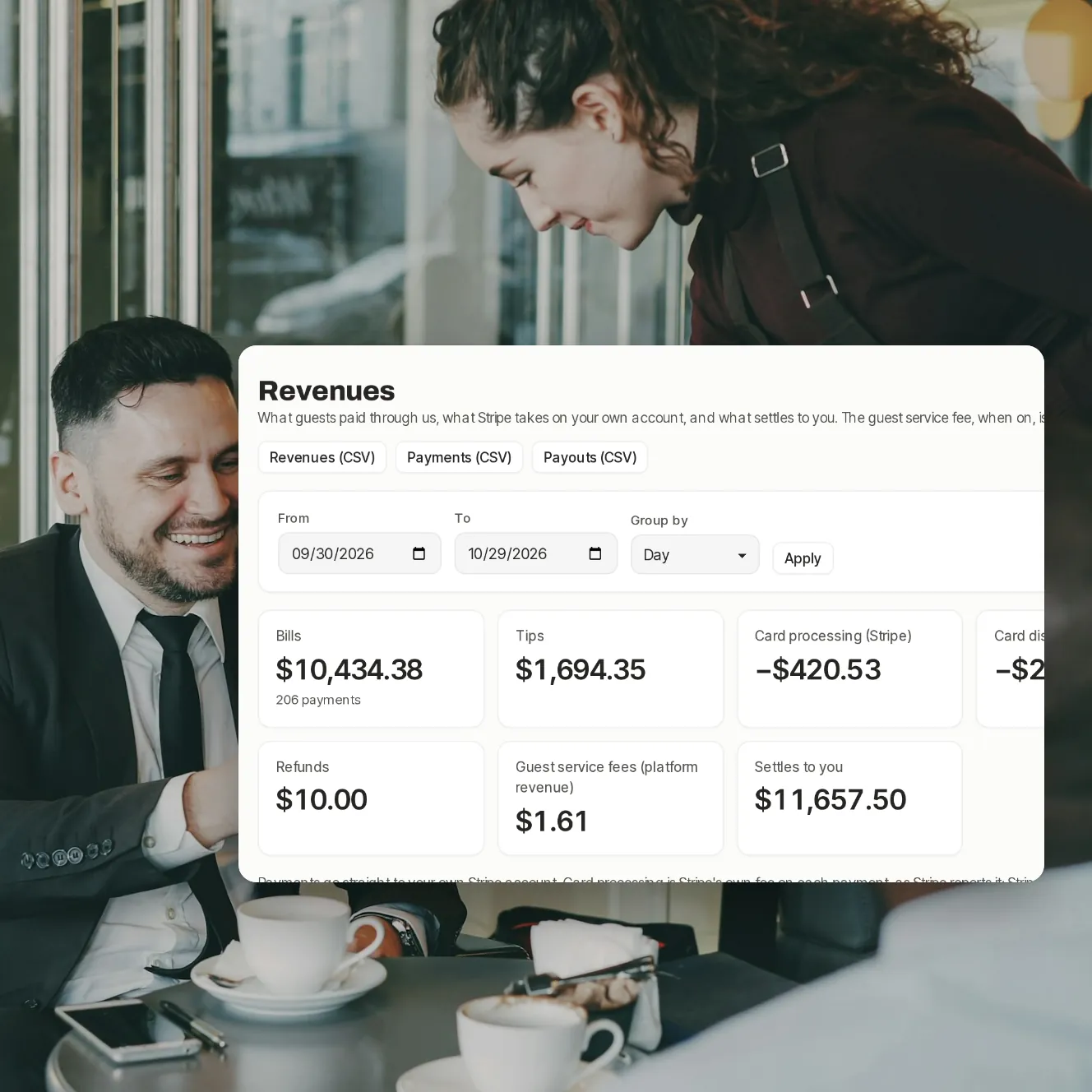
Payments go to your restaurant's own Stripe account. The accounting pages show what guests paid, what Stripe kept for card processing and disputes, what was refunded and what settles to you, with each payout to your bank and CSV files for your bookkeeper.
- Your own
- Stripe account, paid out to your bank
- By day
- week or month, every line explained
- CSV
- exports of payments, payouts and revenues
Numbers your bookkeeper won't send back.
Revenues
Bills, tips, card processing, disputes, refunds and what settles to you, grouped by day, week or month.
Card processing, as Stripe charged it
Stripe's own fees, as Stripe reports them, in your revenues and payout totals. We add nothing to them.
Payouts
Each transfer to your bank, with its arrival date, amount, status and reference, refreshed from Stripe.
Walkouts and chargebacks
Recoveries lists money you may get back or lose: walkouts your team reports and card disputes. Owners and managers can get an email when a dispute opens.
Refunds, traced
Every refund goes back to the original payment, split between bill, tip and fee.
Invoices
What you owe us each month. On the standard plan there's no restaurant fee and no monthly fee.
The accounting pages.

Step 1 of 4
Revenues
What came in and what settles to you, period by period.

Step 2 of 4
Payouts
What's on its way to your bank, and what has arrived.

Step 3 of 4
Invoices
Our fee by month, with what was already kept from your payments.

Step 4 of 4
Recoveries
Walkouts and card disputes, open, recovered or lost.
The details that save an afternoon.
One line per payment
The payments list shows every guest's payment, filterable by date, server, table, method or card.
Exports
Payments, payouts and revenues as CSV files.
Disputes, with what Stripe took
The amount and fee Stripe took from your balance, and what came back after a win.
End of service, checked
End of service checks each QR payment against its POS tender, and the cash-up counts the drawer and each tender.
Payout emails
An email when a payout is sent to your bank, if you want one.
Each venue on its own
Every venue has its own Stripe account, payouts and pages.
Your questions
Where does the money go?
Straight to your restaurant's own Stripe account, and from there to your bank on Stripe's payout schedule. We never hold it.
What does Paytabl keep?
On the standard plan, nothing from your restaurant. Guests pay a small service fee, shown on the bill before they pay, which is ours and refunded in proportion with any refund.
Does Stripe return its fee on a refund?
No. Stripe keeps its card processing fee on a refund, and the revenues page shows it that way.
Can my bookkeeper get the data?
Yes. Download payments, payouts and revenues as CSV from the dashboard.
Do you handle disputes for me?
No. Disputes are answered in your own Stripe dashboard, before the deadline Stripe shows there. We list each one in Recoveries with what Stripe took.
Book a demo
Let's set it up for your restaurant.
Tell us about your restaurant and we'll walk you through Paytabl on a live demo bill: the guest's phone, the staff app and the dashboard, with your POS in mind.