Payment links
Deposits paid before the party sits down.
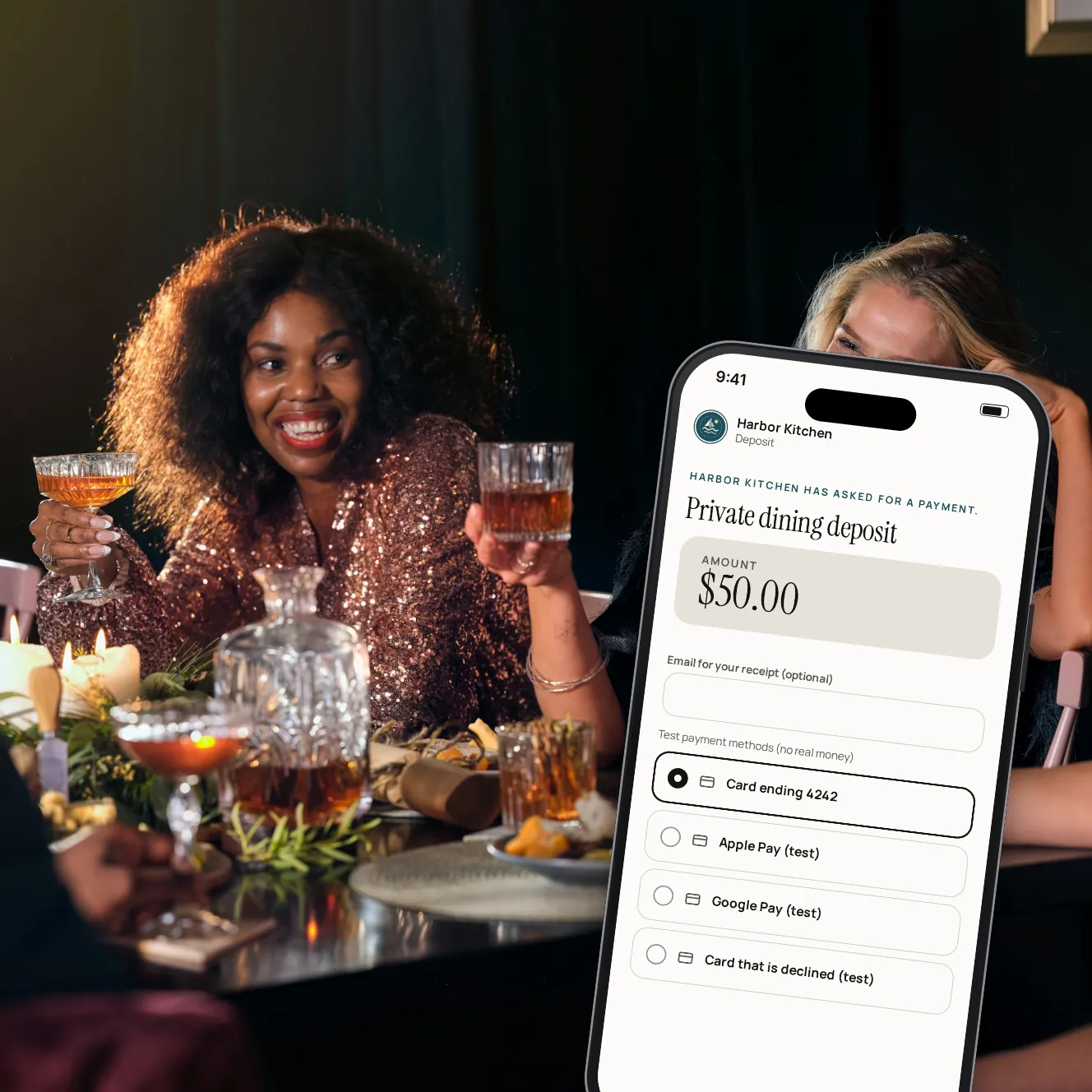
Send a guest a link to pay a deposit for a private room, a party or a big booking, or a balance after an event. They pay from their phone with no account, and your team sees the moment it's paid.
- 1
- payment per link, never two
- 0
- accounts for the guest
- Live
- status of every link you send
Ask for the money before the night.
A link in a minute
Enter the amount and what it's for, then copy the link or let us email it to the guest.
Paid once
Each link takes one payment. Once it's paid, the guest and your team both see it as paid.
Links that expire
Choose how many days a link stays open, or keep it open. Cancel one whenever plans change.
Told when it's paid
Your team gets an alert when a deposit comes in, and a guest who gives an email gets a confirmation.
Wallets and cards
Guests pay with Apple Pay, Google Pay or a card, on your restaurant's own Stripe account.
Open when tables are paused
Pausing phone payments at the tables doesn't stop the links you've already sent.
From the request to the deposit.

Step 1 of 4
Create the link
The amount, what it's for, the guest's email if you have it, and how long it stays open.

Step 2 of 4
Send it
We email it to the guest, or you copy it into a text or your booking reply.

Step 3 of 4
The guest pays
The link opens a page with your name, what it's for and the amount.

Step 4 of 4
Paid, on both sides
The guest sees it's paid, and the link shows as paid in your dashboard.
Small things that save a phone call.
Any amount
From one dollar up, for whatever you need paid ahead.
Your words
The description you write is what the guest sees: “Private dining deposit, Sat 7 pm”.
Status at a glance
Waiting, paid, expired or canceled, for every link.
Email it again
Send a link to the guest again, or to a new address.
In your payments
Payments from links show in your dashboard's payments, marked as a payment link.
Your look
The page guests pay on carries your restaurant's name, colours and logo.
Your questions
Does the payment go onto the POS?
Not on its own: a link isn't tied to a check. Add the payment to the POS by hand when it arrives; your dashboard lists each one.
Does the guest need an account?
No. The link opens in the phone's browser, and the guest pays there.
What if the guest doesn't pay in time?
The link expires after the days you chose and can't be paid any more. You can make a new one.
Who can create links?
Owners and managers, from the dashboard's Payment links page.
Can a link be paid twice?
No. Each link takes one payment, then shows as paid.
Book a demo
Let's set it up for your restaurant.
Tell us about your restaurant and we'll walk you through Paytabl on a live demo bill: the guest's phone, the staff app and the dashboard, with your POS in mind.