Analytics and guest CRM
Know what each service earned, and who came back.
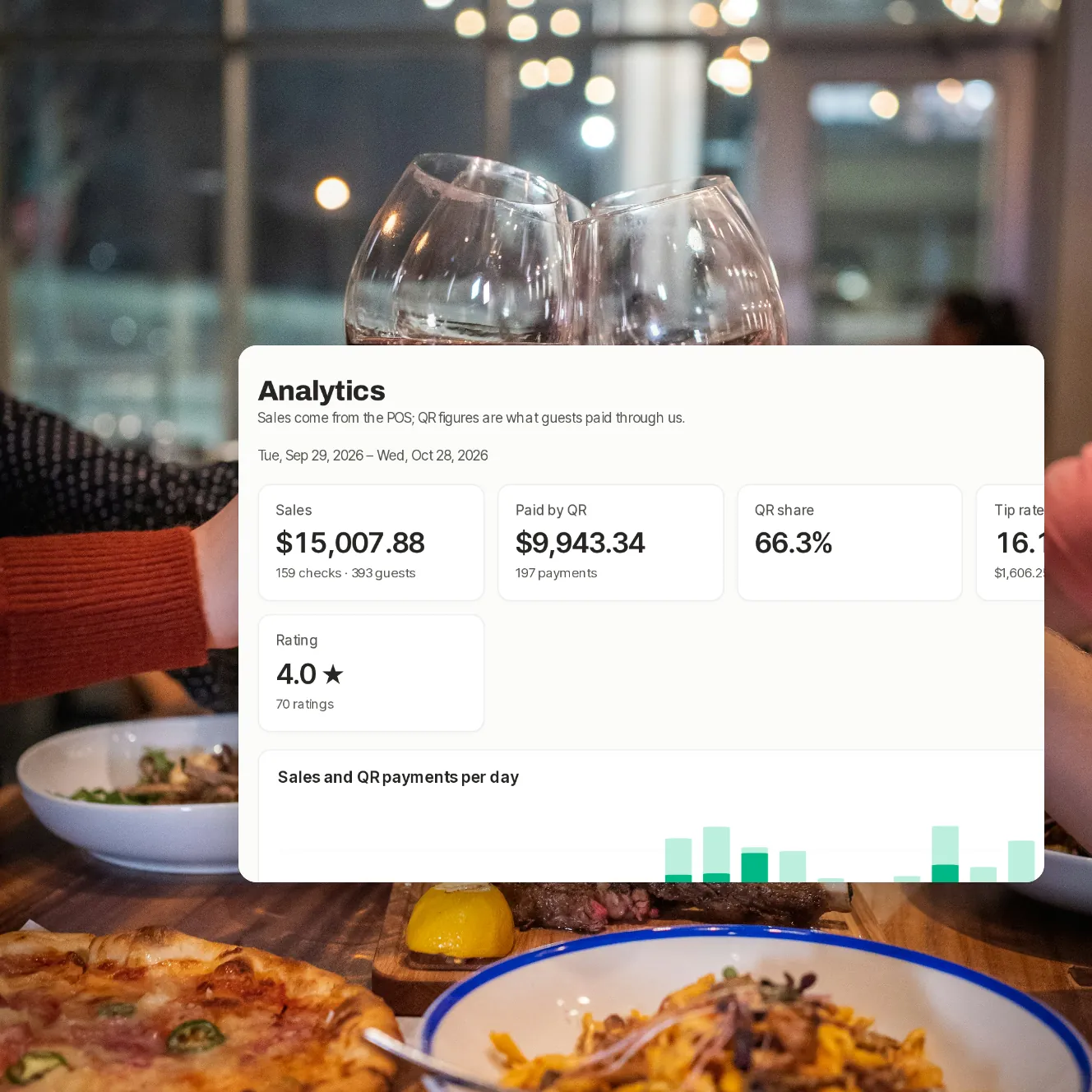
The dashboard puts your POS sales beside what guests paid by QR, the tips and the ratings, for today or the last 7, 30 or 90 days. Once guests can sign in, the guest list shows who has an account, how often they visit and what they spend, and how they agreed to hear from you.
Coming laterThe guest list, offers and automatic messages need guests to sign in, with a code we text them. Sending texts is coming later, so they start once it's live.
- Today
- at a glance, every morning a summary
- Side by side
- venues compared on one page
- 7, 30, 90
- days of sales, tips and ratings
The numbers you look for, where you expect them.
Today, on one screen
Paid by QR, the share of sales paid by QR, the average tip, open checks and anything that needs a look, beside the last 30 days' rating.
Sales and QR, day by day
POS sales and QR payments charted per day, with checks, guests, tip rate and average spend for the last 7, 30 or 90 days.
How guests paid
Apple Pay, Google Pay, card and the rest, by value.
Venues side by side
With more than one venue, compare sales, QR share, tip rate and rating in one table.
Ratings by topic
Every rating, low ones included, and how guests scored the food, service, atmosphere and value.
Your guests
Guests with an account who paid with you: visits, spend, last visit, points and consent, email and texts apart.
Coming later
From this morning to your regulars.

Step 1 of 5
Today
The day so far, and what needs your attention.

Step 2 of 5
Analytics
Sales and QR payments per day, and how guests paid.

Step 3 of 5
Compare venues
Each venue's sales, QR share, tip rate and rating, side by side.

Step 4 of 5
Ratings by topic
Food, service, atmosphere and value, with every comment.

Step 5 of 5
Guests
Visits, spend, points and the channels each guest said yes to, once guests can sign in.
For the people who run the numbers.
A daily summary
Yesterday's sales, QR share, tips, ratings and anything that needs a look, by email each morning.
A weekly report
The week's numbers, every Monday.
Contact details, only with consent
A guest's email or phone number shows in full only for the channels they agreed to.
Offers for your group
Amount off, percent off or a free item, for every opted-in guest, regulars or guests you haven't seen in a while.
Coming laterAutomatic messages
Thanks after a visit, a reward unlocked, an offer unlocked, or we miss you, by email and web push.
Coming laterMarketing texts
Offers and messages by text, to guests who said yes.
Coming later
Your questions
Where do sales figures come from?
From the checks Paytabl has read from your POS. QR figures are what guests paid through Paytabl, so you see both side by side.
Can I see all my venues together?
You can compare them side by side in Analytics, and the dashboard home shows each venue's day. One combined report for the whole group is coming later.
Which guests are in the guest list?
Guests with an account who paid at your venue or answered your marketing question. Accounts open once guests can sign in by text, which is coming later, and paying never needs one, so many guests won't be listed.
Can I export my guest list?
Not yet. Contact details show only for the channels each guest agreed to, and only in the dashboard.
Do you sell guest data?
No. A guest's marketing choice is shared only with the restaurant they gave it to.
Book a demo
Let's set it up for your restaurant.
Tell us about your restaurant and we'll walk you through Paytabl on a live demo bill: the guest's phone, the staff app and the dashboard, with your POS in mind.