Know your numbers
See what's working, venue by venue.
Your POS sales beside what guests paid by phone, the tips and the ratings, day by day. What guests said about the food and the service. And every payment traced from the table to your bank.
Where the answers are.
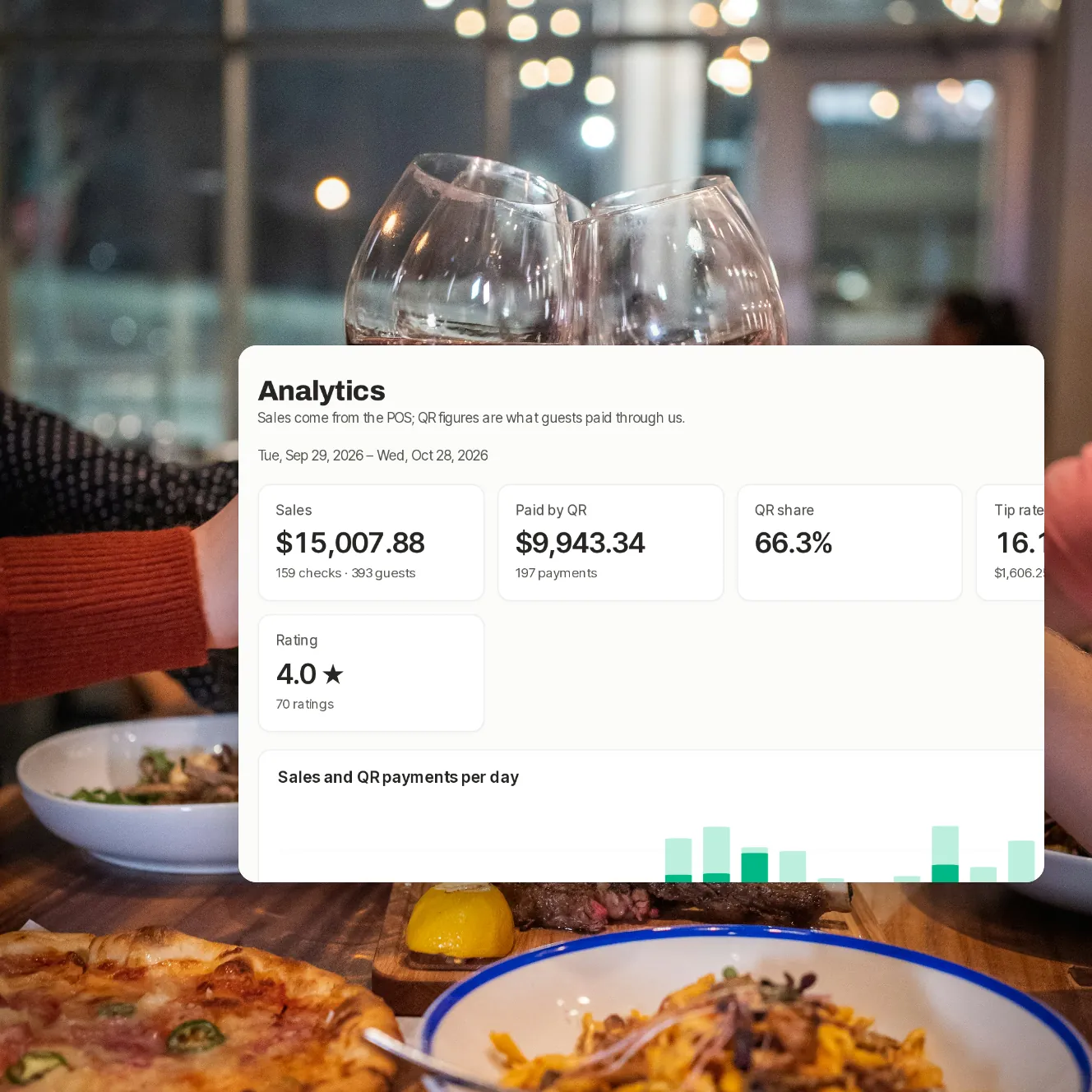
Analytics and guest CRM
Sales, QR payments and your guests
Sales and QR payments per day, how guests paid and venues side by side. The guest list follows once guests can sign in.
- Today on one screen
- A daily summary by email
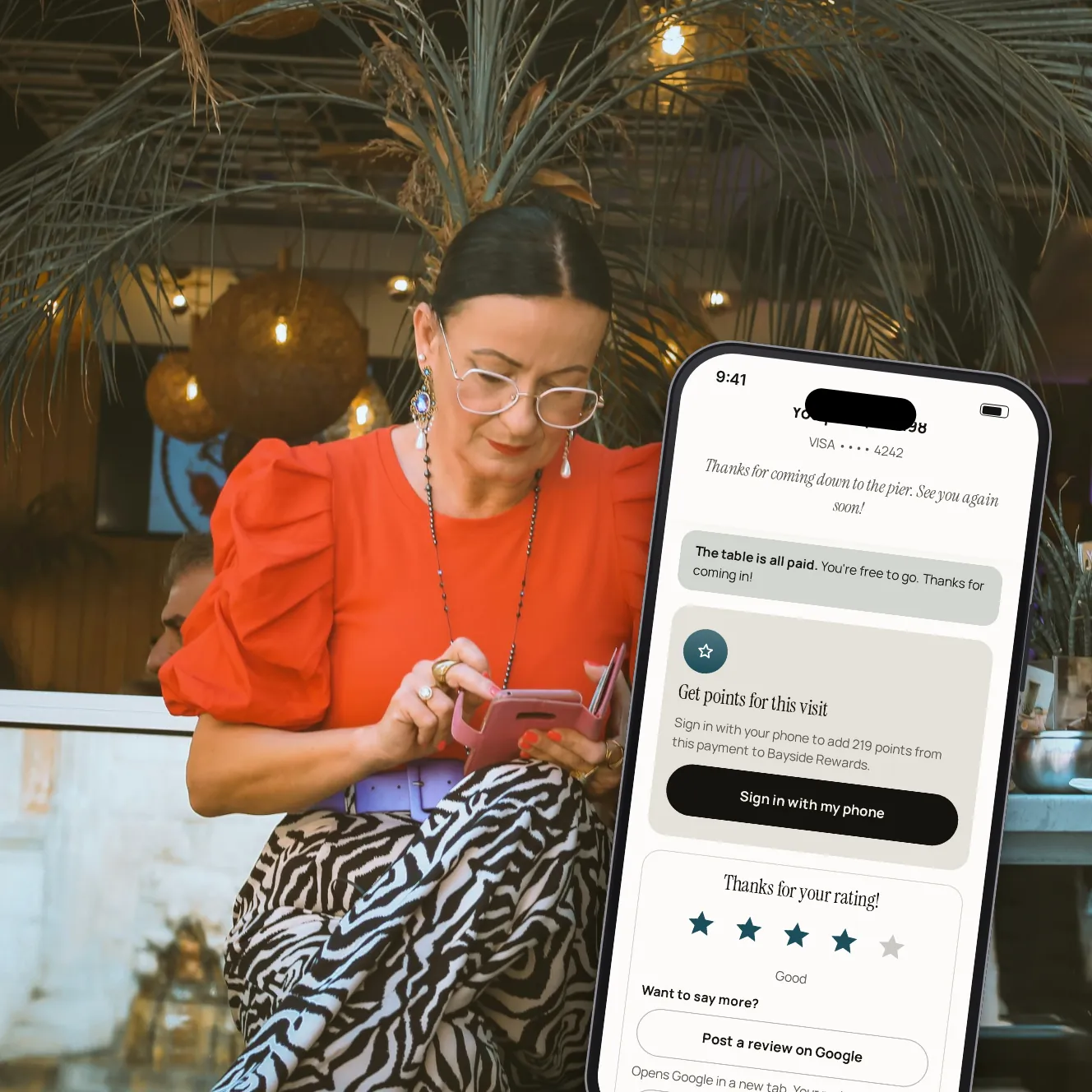
Reviews and feedback
What guests thought
Every rating and comment, scored by food, service, atmosphere and value.
- Low scores included
- Who served each table
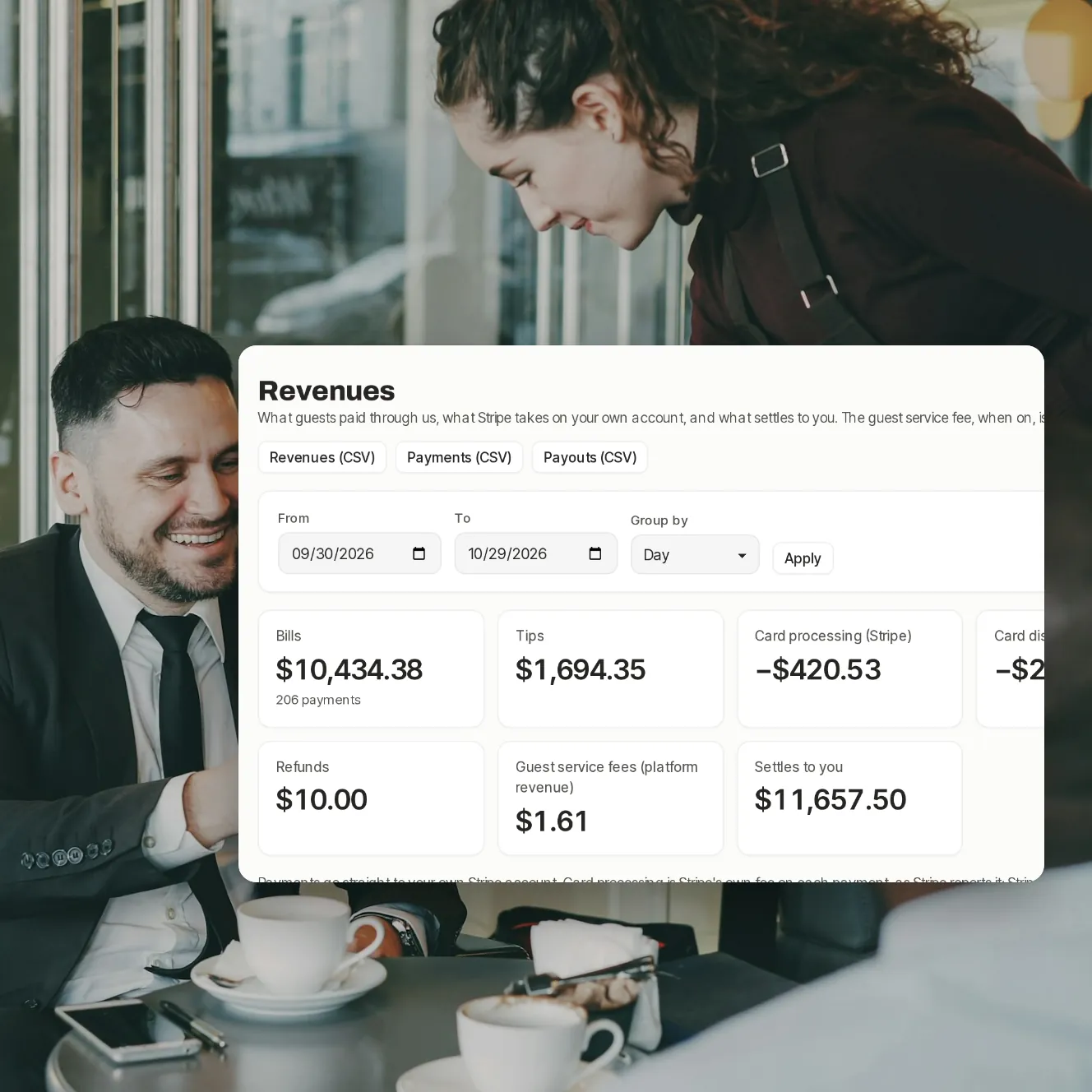
Accounting
Where the money went
Card processing, refunds, disputes and what settles to you, with each payout to your bank.
- By day, week or month
- CSV exports
Your questions
Where do the sales figures come from?
From the checks Paytabl has read from your POS. QR figures are what guests paid through Paytabl.
Can I compare my venues?
Yes, side by side in Analytics. One combined report for the whole group is coming later.
Can I get the data out?
Payments, payouts and revenues download as CSV; each cash-up as CSV or PDF.
Book a demo
Let's set it up for your restaurant.
Tell us about your restaurant and we'll walk you through Paytabl on a live demo bill: the guest's phone, the staff app and the dashboard, with your POS in mind.