Run a smoother service
Fewer loose ends at the end of the night.
The bill reaches the guest's phone, the menu is right before service starts, the count matches the POS and every payment can be traced to the bank. Your team spends the time on the guests.
What takes the load off.
Staff app
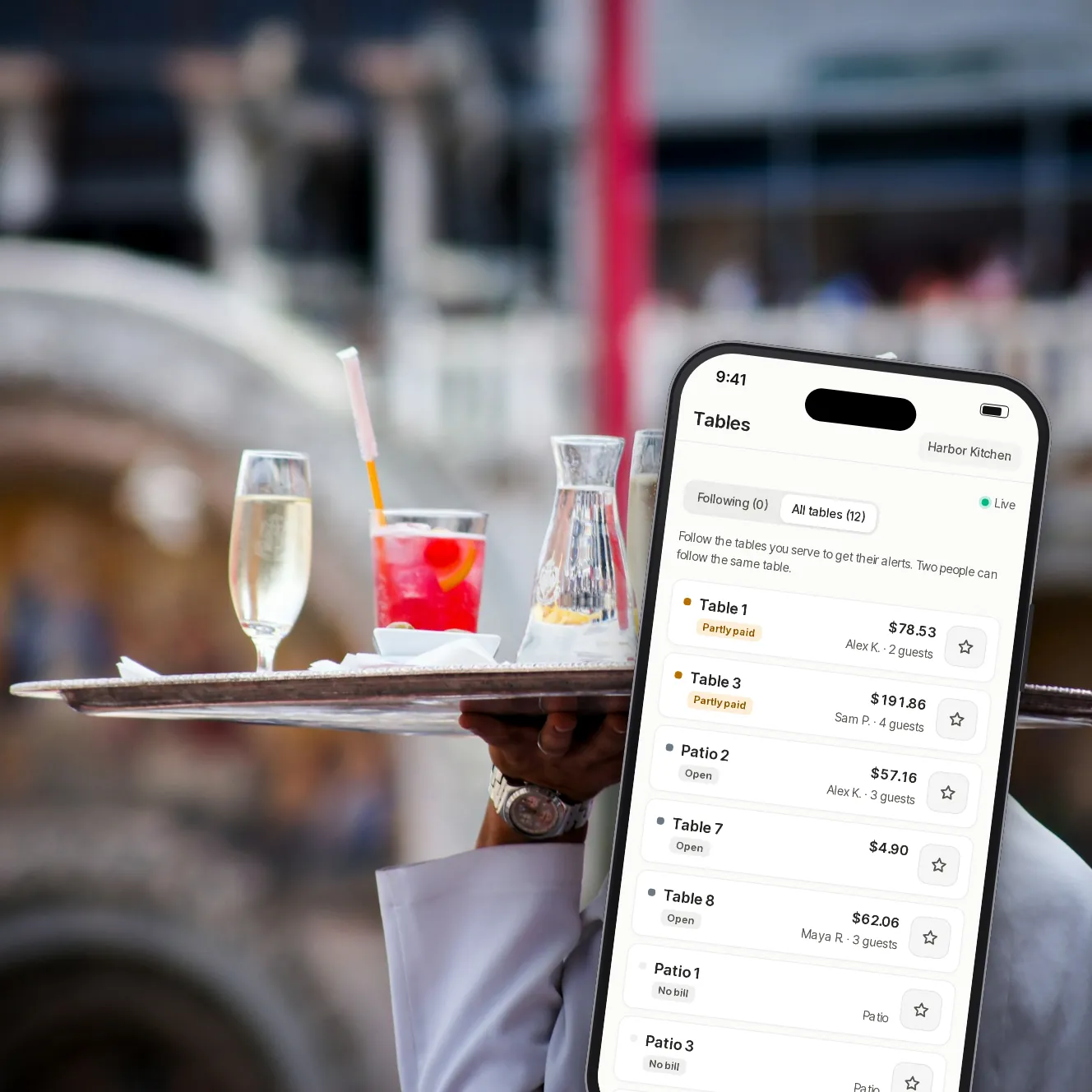
Every table's status on every phone
Servers see each bill and payment live, get an alert when something needs a person and refund within the limits you set.
- Installed from the browser
- Urgent alerts reach the managers too
Menus
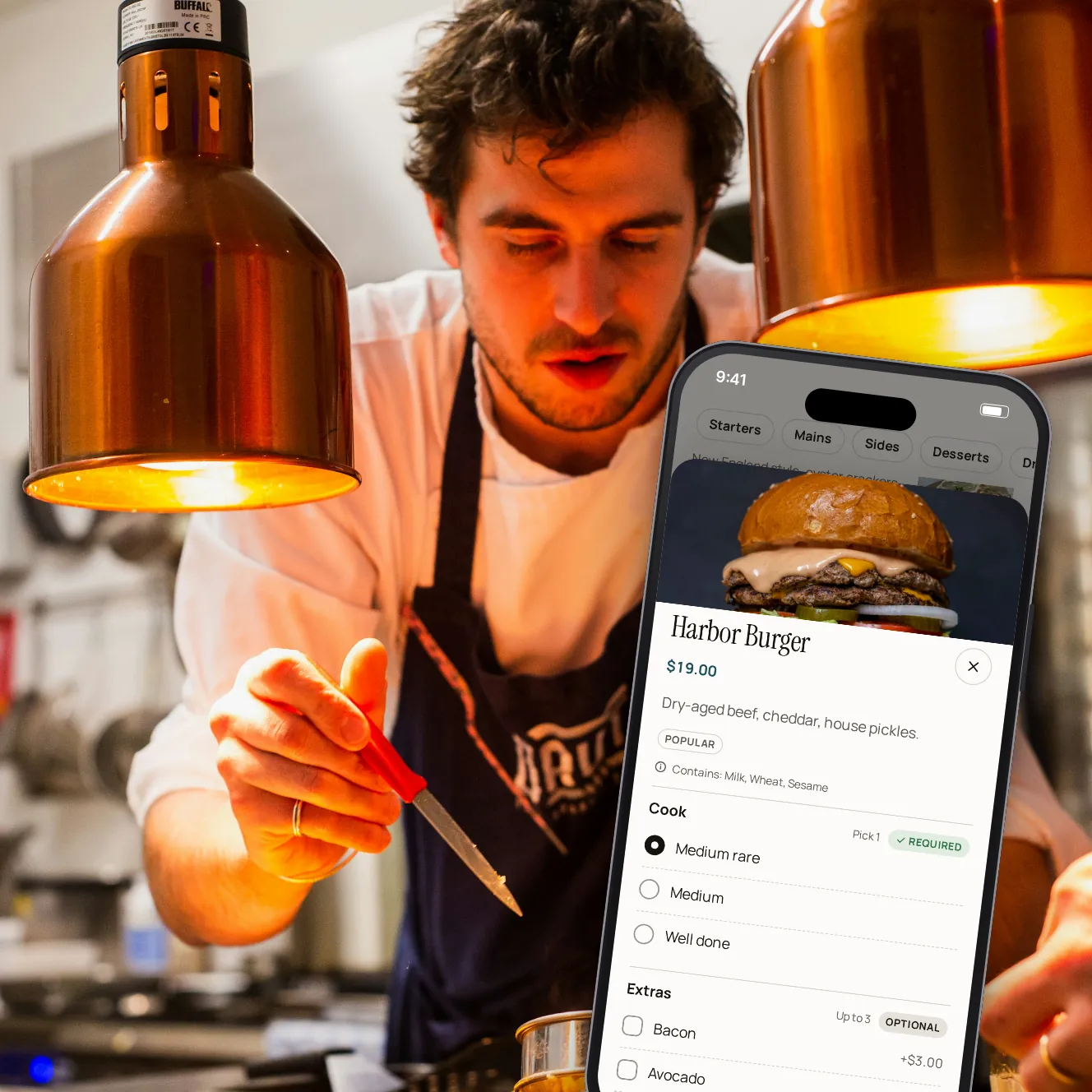
The menu is right before you open
Menus follow your schedule, sold-out items can't be ordered, and allergens show on every item.
- Read from your POS
- Your photos and words stay through every sync
Cash-up
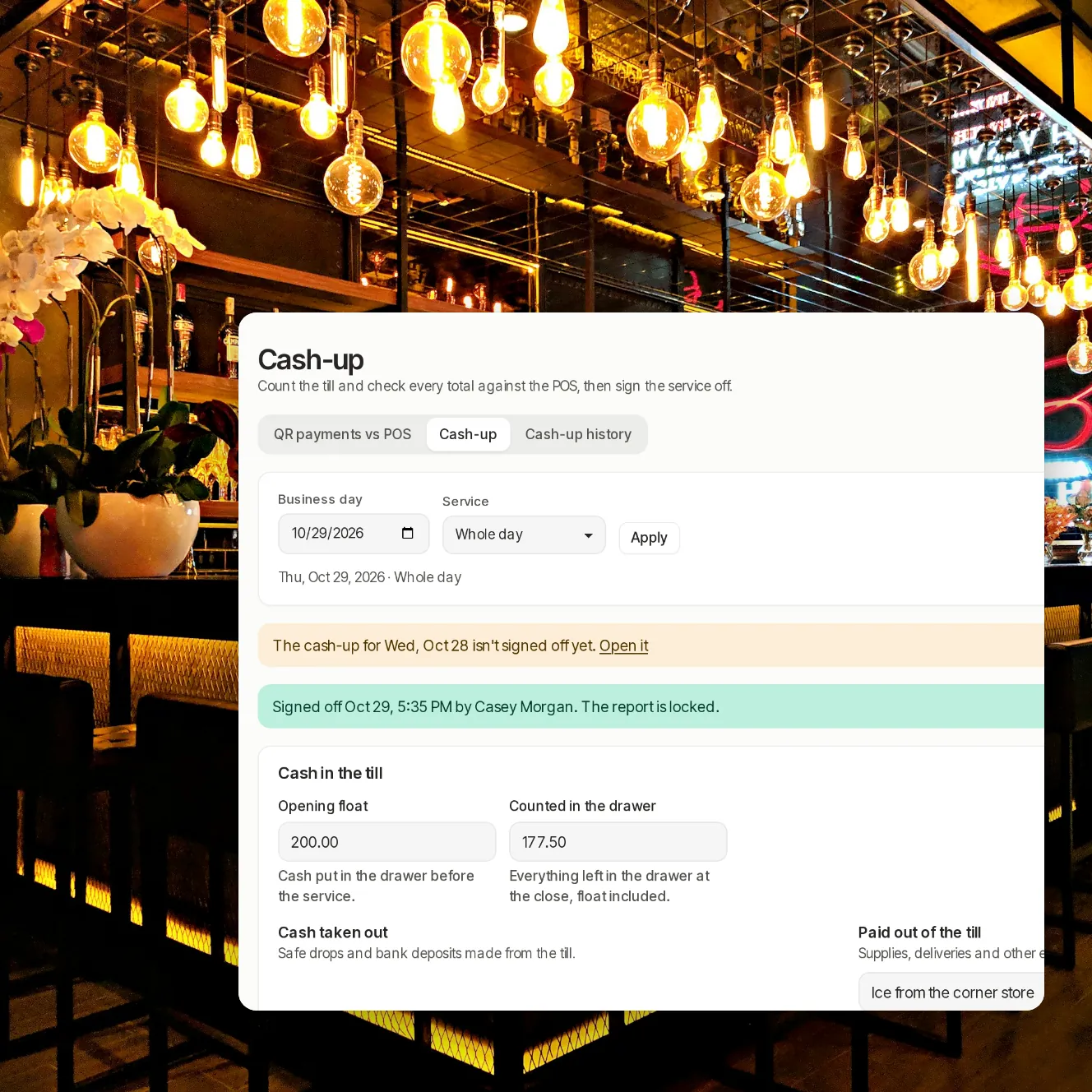
A count that matches the POS
End of service checks every QR payment against its POS tender. The cash-up counts the drawer, explains any gap and signs the service off.
- Signed off means locked
- CSV and PDF for each report
Accounting
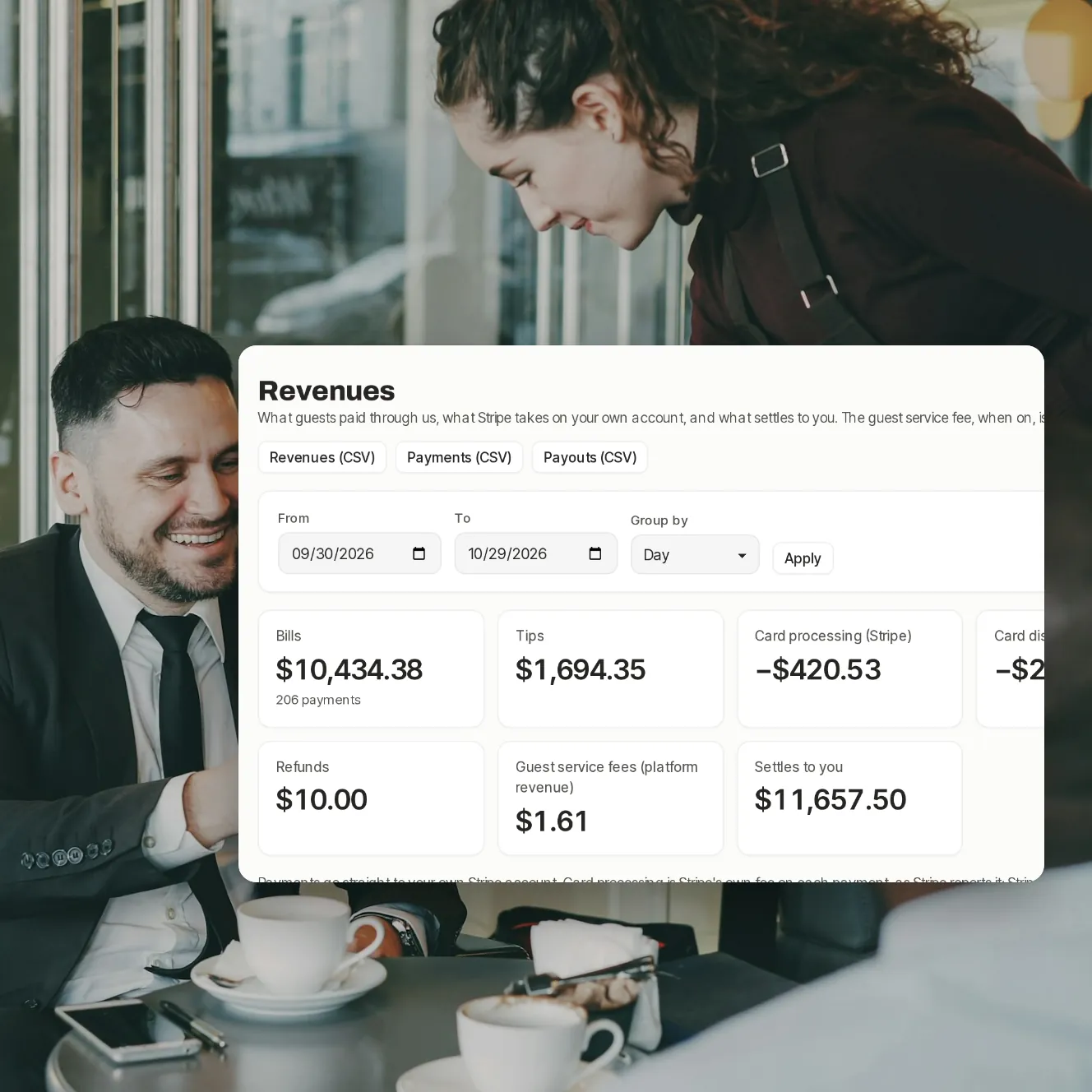
From the table to the bank
What guests paid, what Stripe kept, refunds, disputes and payouts, by day, week or month.
- On your own Stripe account
- CSV exports for your bookkeeper
Your questions
Do my servers need new devices?
No. The staff app installs from the browser on the phones they already carry.
Does it work without a POS connection?
Paying at the table does: staff key the bill in from the staff app, and guests scan and pay. Ordering needs a connected POS that takes orders.
How long does setup take?
Book a demo and we'll walk through it with your POS and floor in mind.
Book a demo
Let's set it up for your restaurant.
Tell us about your restaurant and we'll walk you through Paytabl on a live demo bill: the guest's phone, the staff app and the dashboard, with your POS in mind.