Cash-up
The end-of-service count, on one screen.
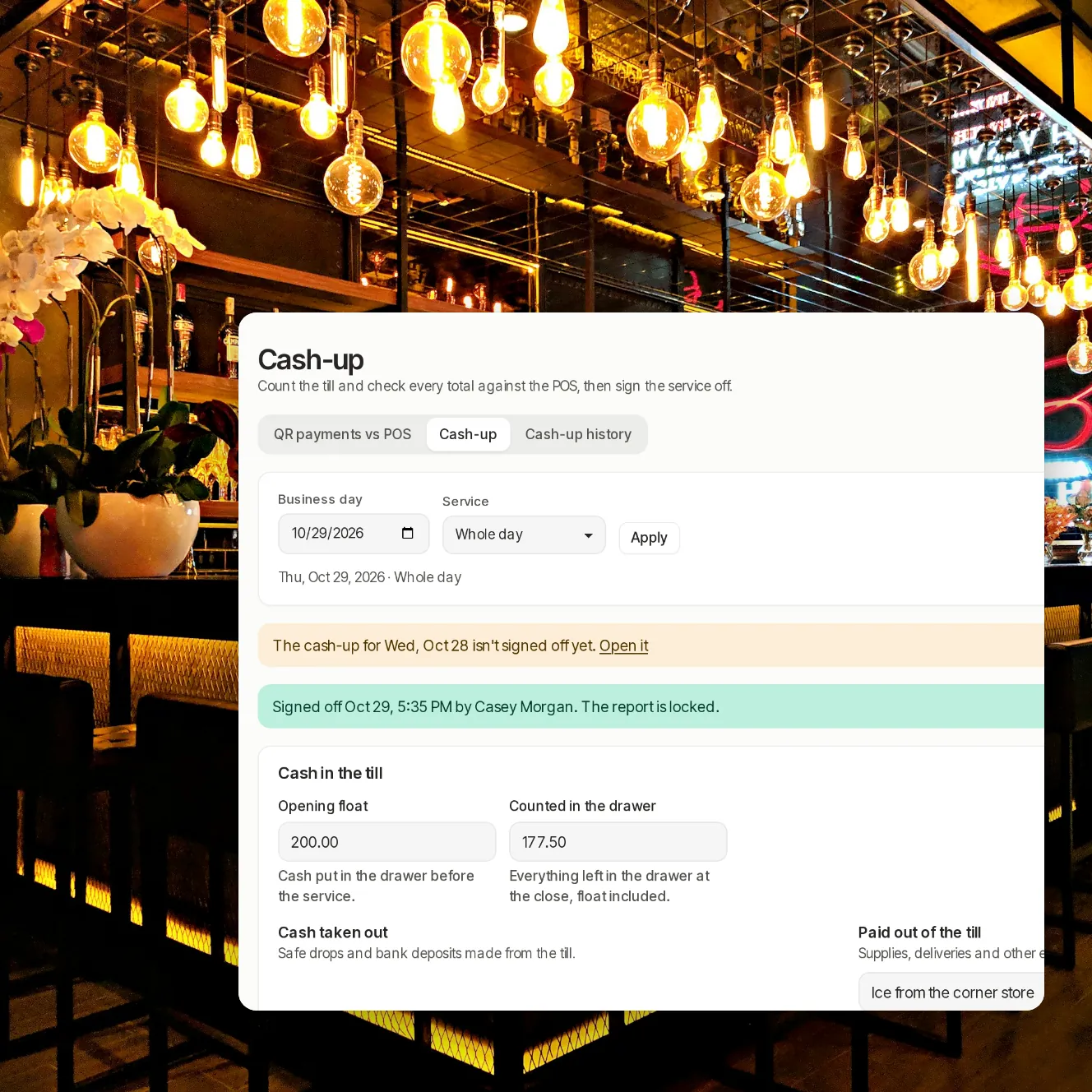
Count the drawer, check every tender against the POS, explain any difference and sign the service off. Beside it, End of service checks that every QR payment has the tender it should have on the POS.
- Every
- QR payment checked against its POS tender at end of service
- 4
- tenders checked: cash, card terminal, QR and other
- Locked
- once a manager signs it off
A count you can stand behind.
QR payments, checked too
End of service compares each phone payment with the tender it should have on the POS, and every gap says what happened and how to fix it.
The drawer, counted properly
Opening float, cash taken out, cash paid out and the count, note by note or as a total. We work out what should be in the drawer.
Differences need a reason
Each tender shows the POS total beside what you counted. A difference of $5 or more needs a note before you can sign off.
Signed off means locked
Signing off keeps the POS totals with the report. Only an owner can reopen it, with a reason that stays on the record.
What reaches your bank
The QR line shows what Stripe kept on your account, card processing and any dispute, so the payout makes sense.
History and exports
Every save, sign-off and reopen is in the report's history. Download a report as CSV or PDF.
Closing a service, step by step.

Step 1 of 5
Check QR payments against the POS
What came in, by payment method and by server, and whether the POS has every QR payment.

Step 2 of 5
Count the drawer
Enter the float, the cash taken out and paid out, and what's in the drawer.

Step 3 of 5
Explain the gaps
Fill the card and QR lines from the POS, check them against your slips, and add a note where they differ.

Step 4 of 5
Sign off
The report locks with the POS totals it was signed off with.

Step 5 of 5
Look back
Every report by day and service, filtered by status or by the ones with a difference.
The parts managers asked for.
Lunch, dinner or the whole day
A report per service, or one for the day.
Use the POS totals
Fill the empty card, QR and other lines with what the POS shows, then check them.
Card terminal batch
Enter the batch total your card terminal prints and see it against the POS.
Per server
Payments and tips by server for the service.
Line-by-line CSV
Every QR payment beside its POS tender, for your bookkeeper.
Tenders added by hand
Link a tender someone entered on the POS by hand to the QR payment it belongs to.
Yesterday not signed off?
The report reminds you when an earlier day is still open.
Your questions
Who can fill in and sign off a cash-up?
Managers and owners. Only an owner can reopen a signed-off report, and the reason is kept in its history.
What if a late payment comes in after sign-off?
The report keeps the totals it was signed off with and says that the POS totals have changed since.
Does it include card terminal payments?
Yes. You enter the batch total from your terminal, and we show it beside the POS total for card terminal tenders.
Can I export it?
Each report downloads as CSV or PDF, and the history list downloads as CSV.
Do I have to use it for every service?
No. Close lunch and dinner separately, or the whole day at once.
Book a demo
Let's set it up for your restaurant.
Tell us about your restaurant and we'll walk you through Paytabl on a live demo bill: the guest's phone, the staff app and the dashboard, with your POS in mind.