Branding
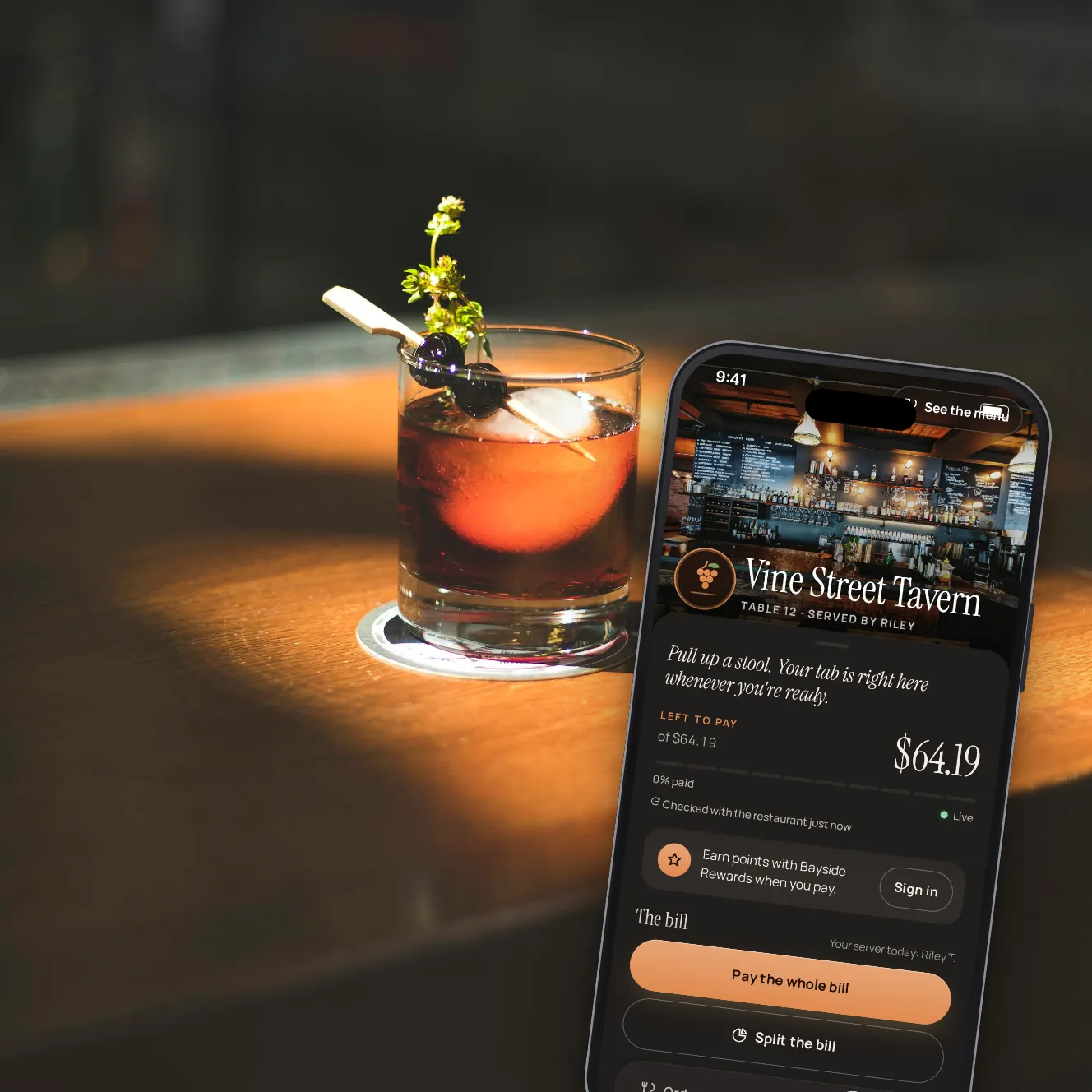
When guests scan, they see your restaurant.
The bill, the menu, the pickup page and every payment link carry your logo and your colours. The bill and the menu open on your cover photo, the bill has a welcome line of yours, and the screen after paying a bill has your thank-you. You see each change in a preview before guests do.
- 3
- themes: light, dark or following the phone
- Checked
- colour contrast, with a warning before you save
- Every
- guest page, from the bill to pickup
Yours, without a designer.
Your colours
An accent for buttons and links, the text on them, and the background and text of the page.
Light, dark or automatic
Near-black pages for an evening room, cream ones for a bright terrace, or follow each guest's phone.
Logo and cover photo
Your logo by the venue name, and a cover photo at the top of the bill and the menu.
A word from you
A welcome line above the bill and a thank-you after paying a bill, in your own words.
Readable buttons
If a colour makes the buttons or text hard to read, the editor warns you before you save.
A preview first
See the bill as guests will, while you change it.
Making it yours.

Step 1 of 5
Pick a theme and colours
Light, dark or automatic, then your accent and text colours.

Step 2 of 5
Add your pictures and words
Logo, cover photo, a welcome line and a thank-you.

Step 3 of 5
The bill, in your look
What guests see the moment they scan.

Step 4 of 5
And after paying
Your thank-you, on the screen they leave with.

Step 5 of 5
A guest app for your group
All your venues in one app guests can add to their home screen.
Also part of it.
Colours and logo everywhere
On the bill, the menu, ordering, pickup, group pre-orders and payment links.
Upload or link
Upload a small logo or cover image, or link to one you already host.
One app for the group
Your group's name, logo, colours and cover, with each venue's menu, pickup, opening hours and directions.
Added to the home screen
Guests install the group app from the browser. No app store.
Loyalty inside
Signed-in guests find their points wallet in the group app, once guests can sign in by text.
Coming laterYour booking and delivery links
Point the group app's buttons at the booking and delivery services you already use.
Your questions
Is the guest page our own app?
The pages carry your look, and a group can give guests one app with every venue in it, added to the home screen from the browser. We don't publish apps in the app stores.
Who can change the look?
Owners and managers of the venue. The group app's brand is set by the group's owners.
When do guests see a change?
The next time they scan or open a link.
Does it change the emails guests get?
Not yet. Receipts and other emails keep our standard layout.
Book a demo
Let's set it up for your restaurant.
Tell us about your restaurant and we'll walk you through Paytabl on a live demo bill: the guest's phone, the staff app and the dashboard, with your POS in mind.